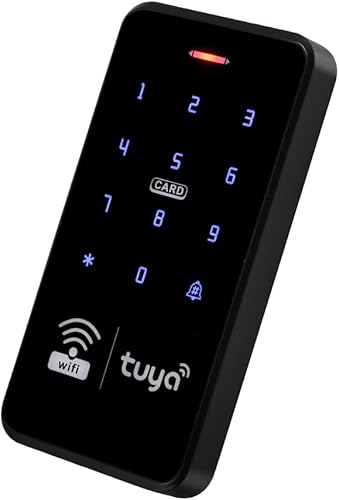
WiFi Access Control Keyboard, Tuya App, Dual Frequency 125 kHz/13.56 MHz, Backlit, WG26/34
$31.39
🌸 Cute & Stylish Hair Accessories
🚚 Free Shipping on $31.39 📦 Ships in 3–5 Days
🔍 Carefully Inspected 💫 21-Day Returns
Product details
Brand: Fredorlokk
Color: black
Power Source: Ac/Dc
Compatible Devices: Access Control Switches
Item dimensions L x W x H: 5.51 x 2.76 x 0.63 inches
About this item
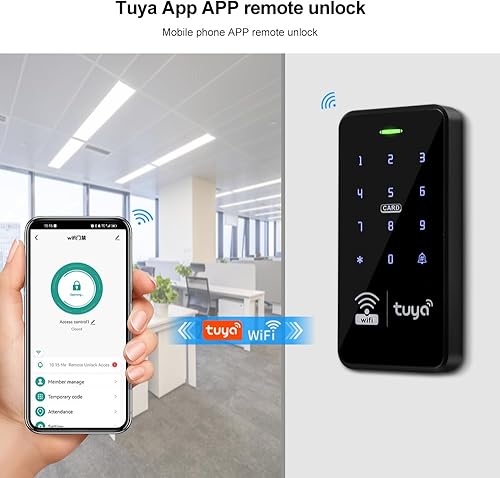
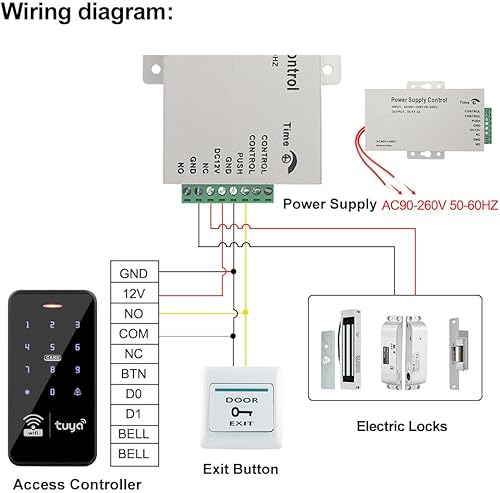
Tuya Wireless Access Control System: This access control controller supports Tuya Wi-Fi. You can add users using the Tuya app. Remotely unlock, set public passwords, share, modify and delete passwords/ID cards, and view door opening records. It's very convenient.
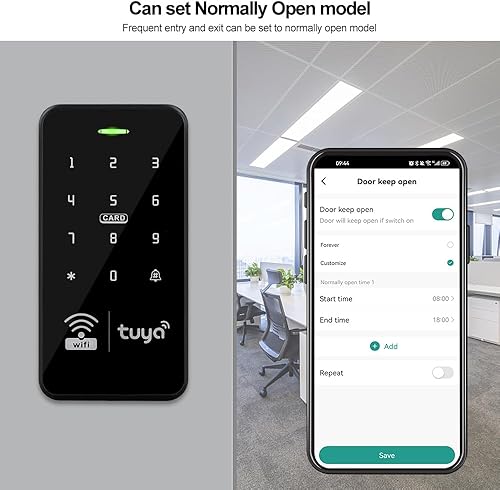
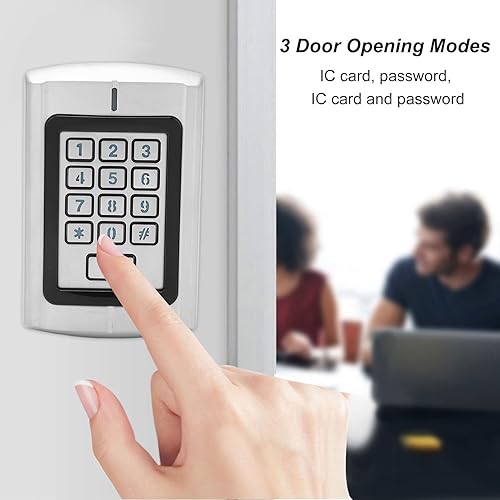
[Multi-User, Multiple Access Methods]: Utilizing dual-band operation at 125kHz and 13.56MHz, it supports management cards. All programming is done via the keypad and the Tuya app, no software required. Supports card addition/removal of passwords, and supports up to 1,000 users. Verification modes include RFID card, password, RFID card + password, and the Tuya app. The door can be set to always open. Compatible with all electric locks.
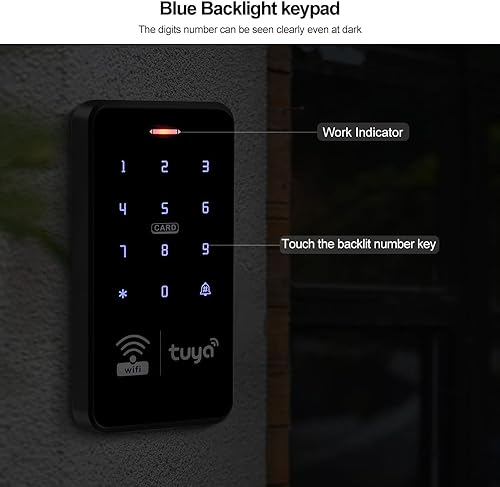
[Reliable, Practical, and Expandable]: Made of high-quality ABS plastic, the keypad features a touchscreen panel with a blue backlight, allowing for clear reading even in dark places or at night. The keypad is IP68 weatherproof and suitable for indoor or outdoor installation.
Widely Used: The fingerprint access control system prevents unauthorized access. Available in three operating modes: standalone access control, card reader, and relay switching. Ideal for garages, hotels, shops, warehouses, laboratories, campus access, identification, parking entrances, and other private spaces.
[Easy Setup] Enable wireless pairing and add the access control keypad to the Tuya app to remotely manage your access control system. Everything is smart and convenient; your finger is the key. The backlit fingerprint and password touch panel is clearly visible even in dim light. Note: To connect to the Tuya app, you must first enable Wi-Fi pairing on the keypad. Enter the command: *123456#041# on the keypad and wait for 5 seconds for the indicator light to flash to start pairing. Pairing with your phone via Wi-Fi is now possible.
There are no reviews yet.
Comment on "WiFi Access Control Keyboard, Tuya App, Dual Frequency 125 kHz/13.56 MHz, Backlit, WG26/34"